Visual publishing and content platform
Make a page. Keep it yours.
An owner-controlled publishing system for custom websites where rich prose, structured collections, and placed artwork stay editable without losing their design.
01
Custom design without requiring a code deploy for every edit.
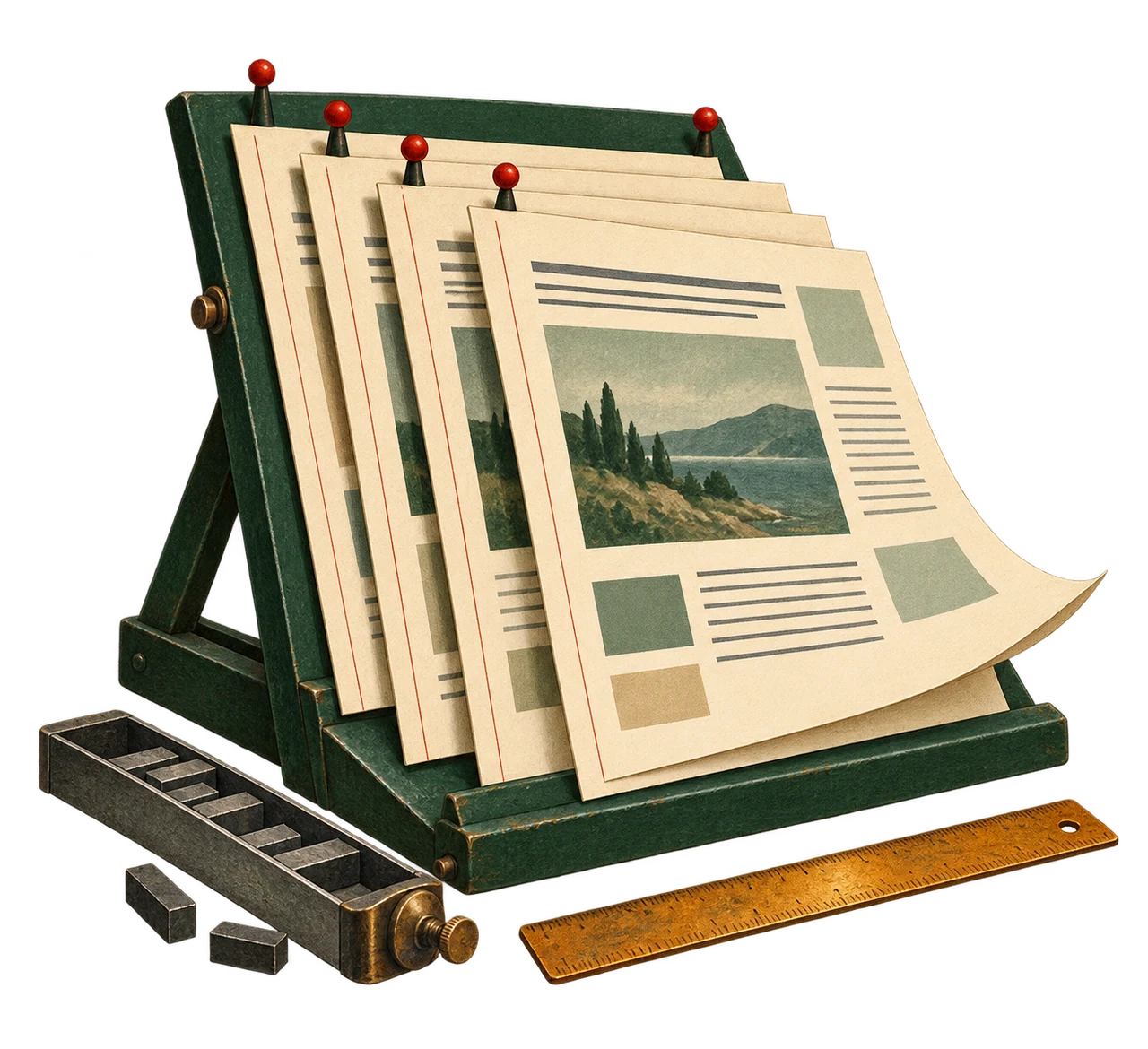
A website should stay editable after its design is finished. A new heading, essay, photograph caption or page layout should belong to the owner’s publishing workspace.
Backy combines a visual editor with structured content for a separate custom website. Pages keep editable blocks, artwork placement and responsive layouts rather than becoming a single flattened image or text export.
02
Change a heading or publication status and see what the reader gets.
Change the example heading or caption, choose a wide or narrow reader view, and compare the result before deciding whether the example is public. Saving an edit to an already-published page changes what readers receive; use an unpublished draft for saved work that should stay private.
This is an authored educational publishing example. It changes neither real Backy records nor this website’s public pages. Its controls illustrate editing and visibility; they do not grant access to private content.
Try the owner workflow
From editor to reader
Compare an unsaved editor preview with the saved sample page. Applying an edit to a published record changes what readers see; publishing and withdrawing change its visibility.
This example runs only in this page. It changes no real records and resets when you reload.
Saved example: publishedRevision 1
03 · Check the result
What the reader receives
Saved public page
Unsaved preview is a local comparison. A real private Backy preview requires permission and a scoped preview link.
Edit a field, compare the two views, then apply the change.
One publication decision, wherever it appears
This lesson uses one rule for the page and its discovery entries. A connected website must enforce the same consistency.
- Page addressAvailable
- ArchiveAvailable
- SearchAvailable
- Related linksAvailable
- FeedAvailable
See the example’s change history
These are local steps, not saved server revisions. The latest five are shown.
- Step 1 · Started · publishedA page that stays yours
03
Preserving custom layouts across desktop and mobile.
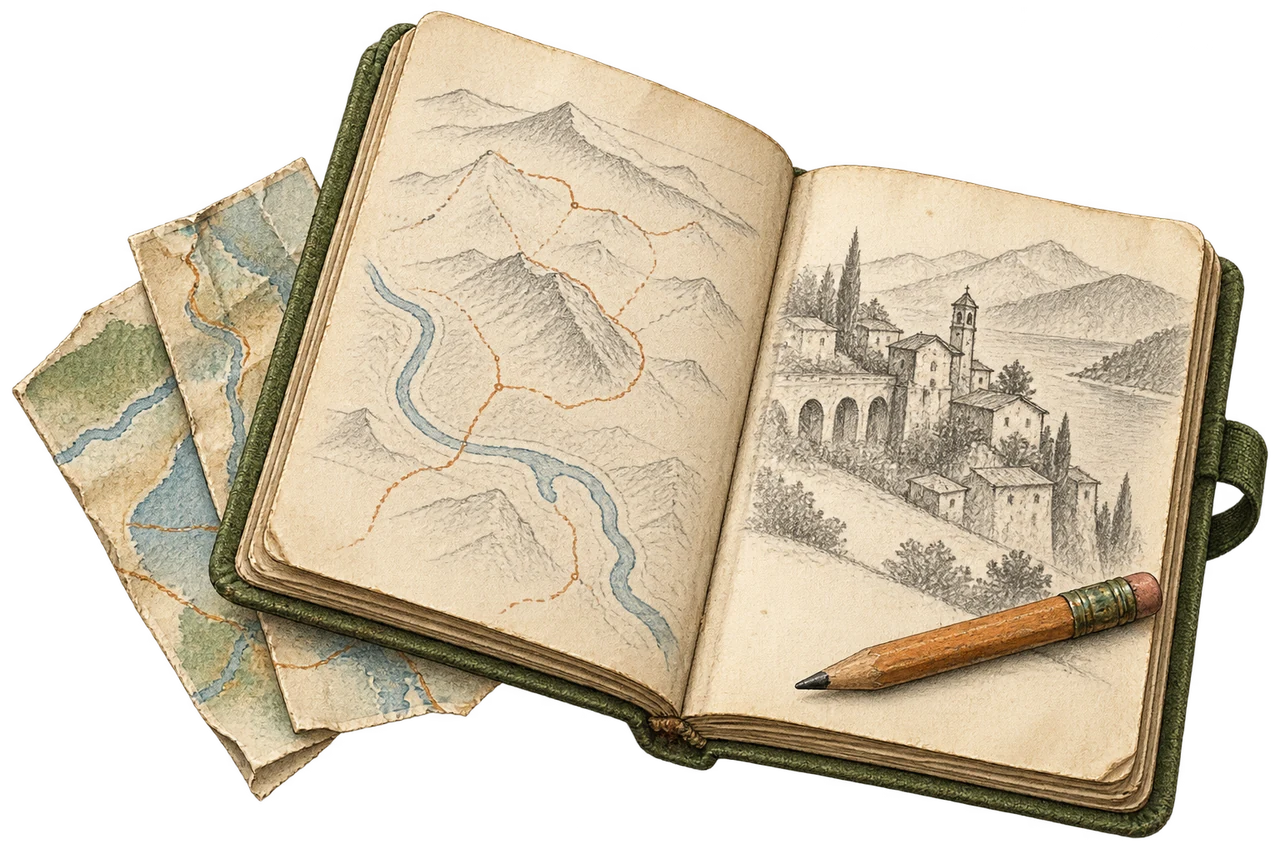
The same saved content can have a spacious desktop layout and a stacked phone layout. Blocks, image captions and related copy stay connected as their position and size change.
Backy’s editable design records preserve element identities, styles and responsive overrides. A connected website needs to render those saved choices and let the owner reopen them in the editor.
04
One eligibility rule across routes, archives, search, and feeds.
Draft work is saved for the owner. Published pages can be delivered publicly when the site is published. A scheduled page becomes eligible when its valid scheduled time is due; a future or missing schedule is not public. Archived content is retained without being publicly delivered.
A private preview is different from public publication. The real preview workflow checks an authorized, scoped preview token; knowing an unpublished page’s address is not enough.
Publishing decisions must agree across the page itself and the links that help people find it. Withdrawing a page should remove its route and its entries in archives, search, related links and feeds. This example shows that consequence without changing the real site.
05
Reusable templates and structured records.
An individual page holds its own prose and layout. A reusable template gives new pages a consistent starting point. A collection holds many records with the same fields, such as a photograph’s title, caption and tags.
Collections can have a list page and individual record pages, each with its own design. Existing authored collection layouts take precedence over a template seed, so choosing a template must not silently replace an owner’s saved work.
Collection access has a separate public-read setting. A record is not public just because it has a shareable-looking address: the collection must allow public reading, and the record must also meet its publication rule.
06
Enable only what the site actually uses.
A site can add contact forms, moderated comments, newsletter subscriptions, visitor accounts or a product catalog when they serve a real purpose. These options do not need to crowd the main navigation.
The feature and its delivery need separate setup. Saving newsletter consent does not prove that an email was delivered. A product catalog does not prove that checkout is enabled, and visitor accounts need their own configured provider and access policy.
This project explanation does not enable checkout, visitor sign-in, email delivery or a live comment form. Only configured, tested features should be offered to visitors.
07
Current status on devanshvarshney.com.
Backy is the publishing platform being connected to this custom website. The interactive example explains the owner workflow; it is not a demonstration of a live edit to this site.
Each page still needs its actual saved design, public eligibility and working reader view checked together. The owner should be able to edit a page, reopen the saved result, preview it privately, then publish or withdraw it deliberately.